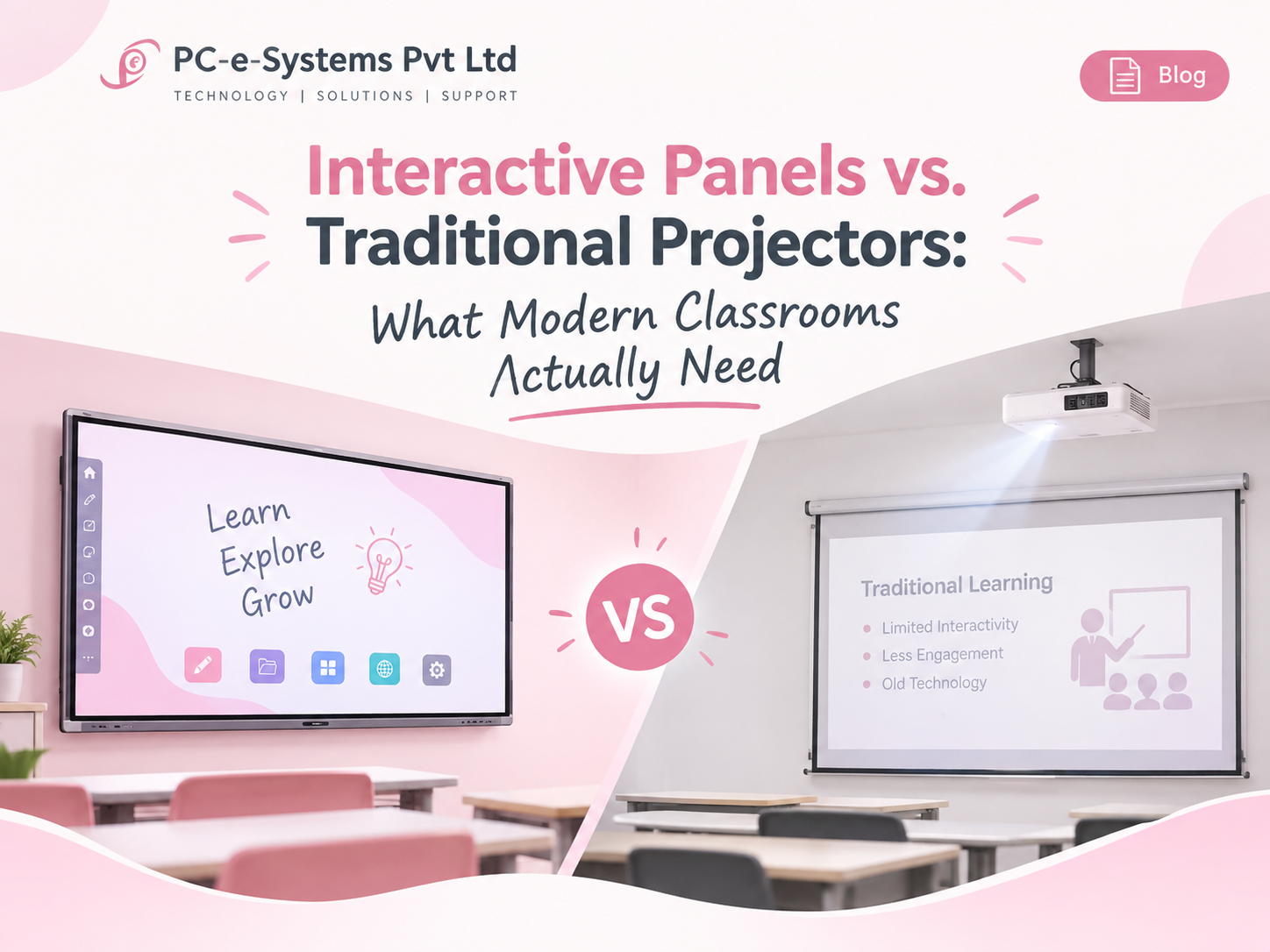
Interactive Panels vs. Traditional Projectors: What Modern Classrooms Actually Need
Every school and college upgrading its classrooms today faces the same question: stick with a projector and whiteboard setup, or move to an interactive flat panel? The right answer depends less on budget alone and more on how the room is actually used — and on a few technical details that rarely make it into the sales pitch.
The Real Difference Isn’t “Screen vs. Projection”
It’s tempting to frame this as old technology versus new. That’s not quite right. Projectors have improved too — brighter lamps, laser light sources, better contrast. The real difference is interaction and durability of experience:
- A projector displays. A panel displays and responds to touch, stylus input, and multi-user collaboration.
- A projector’s image quality depends heavily on ambient light, bulb life, and screen surface. A panel’s display is consistent regardless of room lighting.
- A panel behaves like a large tablet — apps, annotation, screen mirroring, cloud content — built in. A projector needs a separate device driving it.
For a lecture-only room where a teacher is presenting slides for 40 minutes, a good projector is still a perfectly reasonable, lower-cost choice. For a room built around student participation — group work, live annotation, hybrid/remote sessions — a panel earns its price difference quickly.
Total Cost of Ownership Is Where Panels Often Win
The panel’s higher upfront cost is the number everyone focuses on. The number that actually matters over 5 years is different:
| Factor | Projector | Interactive Panel |
|---|---|---|
| Bulb/laser replacement | Recurring cost every 2,000–5,000 hours | None |
| Screen/surface maintenance | Screen degrades, needs replacement | Panel glass is durable, scratch-resistant |
| Ambient light dependence | Needs blackout curtains or dim rooms | Works in normal daylight |
| Software/apps | Requires an external PC or stick | Built-in Android or Windows OS |
| Typical usable life | 5–7 years with servicing | 7–10 years |
Once you account for lamp replacements, screen wear, and the extra PC or streaming device a projector setup usually needs, the gap between the two options narrows — and in many EdTech and campus deployments we’ve priced out, panels come out ahead over a 5-year horizon.
The Spec Sheet Detail Most Buyers Miss: Android Version and EDLA
If you’re buying interactive panels for a government institution, a university, or any organization following procurement guidelines, there’s a detail that matters more than most brochures suggest: Android 14 with EDLA (Enterprise Device Licensing Agreement) certification is increasingly becoming the baseline requirement, not a nice-to-have.
Why it matters:
- EDLA-certified devices receive ongoing Android security updates directly from Google, rather than depending on the manufacturer’s own patching schedule.
- Many recent tenders and institutional RFPs are starting to specify EDLA compliance explicitly — panels without it can get disqualified at the technical evaluation stage, regardless of price.
- It’s also a practical IT-management win: EDLA devices are easier to manage at scale across multiple classrooms.
If you’re evaluating panels, ask the vendor directly whether the unit ships with EDLA certification and current Android security patches — not just “Android-based.”
Brightness Numbers Deserve a Second Look Too
Panel spec sheets often list nit ratings prominently, and it’s easy to assume higher is simply better. In practice, the right brightness depends on panel size and the room’s ambient light — a large-format panel in a well-lit room needs meaningfully more nits than a smaller panel in a dimmer space to stay comfortably legible. When comparing quotes, check the brightness spec against your actual room size and lighting rather than treating it as a single universal number to maximize.
A Practical Way to Decide
Rather than choosing panel vs. projector as a blanket policy across an entire campus, it’s worth deciding room by room:
- High-collaboration rooms (labs, seminar rooms, hybrid classrooms, training centers) → interactive panels
- Large lecture halls with fixed seating and one-way presentation → high-brightness projector with a good screen, often more cost-effective at scale
- Rooms already wired for one system → factor in retrofit cost, not just device price
Where This Gets Complicated: Compliance and Bulk Procurement
For institutions buying at scale — government-funded programs, large EdTech chains, university-wide rollouts — the decision isn’t just technical, it’s procurement-driven. Compliance matrices, brightness thresholds, warranty terms, and certification requirements (EDLA being one example) all factor into what actually qualifies for a tender, separate from what’s “best” on paper.
This is usually where a hardware partner earns their keep — not just supplying the device, but making sure the spec you commit to on paper is one you can actually deliver and support for the life of the contract.
PC e Systems is a Lenovo Platinum Partner and Apple DPP Partner supplying IT hardware and AV solutions to educational institutions, government bodies, and corporates across India. Reach out if you’re evaluating classroom technology for an upcoming rollout or tender.